Lab 1-7 Use Shareware
to Examine a Computer
Note: This exercise requires access
to the Internet.
Good PC support people are
always good investigators. The Internet offers a wealth of resources to those
who take the time to search, download, and investigate the possible uses of
software available there. This exercise is designed to help you learn to be
such an investigator.
Follow these directions to
download a shareware utility to diagnose Windows 2000, Windows 9x, or Windows
3.x problems and print a report from the downloaded software about the hardware
and software on your computer.
- Access the Internet and go to this address:
http://www.freshdevices.com/freshdiag.html
- Download the free version of Fresh Diagnose. (You can find it also
linked to our website.)
- Follow the steps on the screen to download the file diagnose.exe
to your PC.
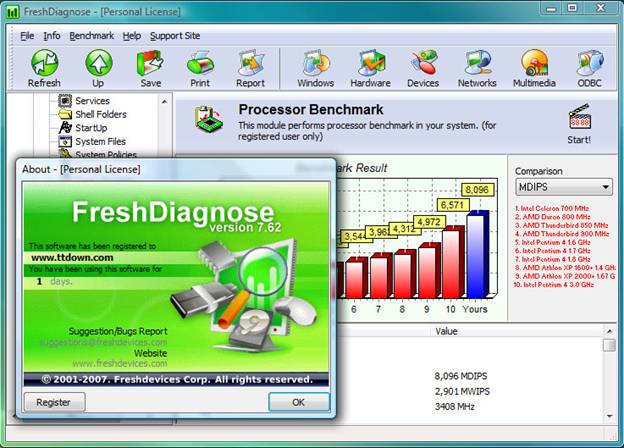
- Run the program FreshDiagnose, and the screen shown below appears.
- Play around with the different diagnostics and answer the questions
below.
- What is the model and speed of your
CPU?
- Which version of Windows are you
using?
- How much memory is installed on your
computer?
- What is your local IP address?
- What is the brand and model of your
display adapter?
1
You will use this program again
in later chapters, so don’t erase it!
Try running it in
Vista or Windows 7 and see what you get!