Lab 1-5 Installing Virtual Machine Additions and Other Tasks
Objectives:
P Install Additions into your operating
systems.
P Move between operating systems.
When you finish an
installation your OS will look like garbage. You need to install additions to
make it look and behave better under Virtual PC.
|
Task |
Shot |
Post
Installation Tasks and Virtual Machine Additions
Creating
an Administrator Account. A
new development when installing Vista/7 is the need to create the
administrator’s account, as a security initiative, Microsoft no longer
creates a person called 'Administrator' by default. |
|
|
Windows
7 Activation Tip: Each
Vista/7 product key can be used only ten times. Your key is yours for ten
activations…that’s all. So don’t activate it yet. You can use it for 10 days
without activating. If after 10 days it’s working great, activate! |
|
|
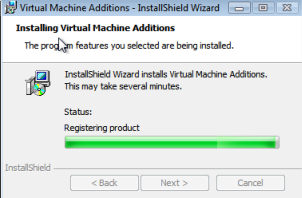
Virtual
Machine Additions 1. Launch the Virtual PC Console. 2. Click the Action menu and select Install Virtual Machine
Additions. 3. Click Continue when the UAC comes up. |
|
|
Do
not install virtual machine additions for Windows 98. It just messes things
up! |
|